Supporting a remote or hybrid workforce needs the right tools, access, and security. Here’s how to give your team reliable IT support when they work from home or on the road.
Related reading
1. Reliable remote access
Remote workers need secure access to email, files, and business apps. Cloud services like Microsoft 365 or Google Workspace make this straightforward, data lives in the cloud, so staff can work from anywhere with an internet connection. For legacy or on-prem systems, VPN or remote desktop solutions may be needed.
2. Secure devices and networks
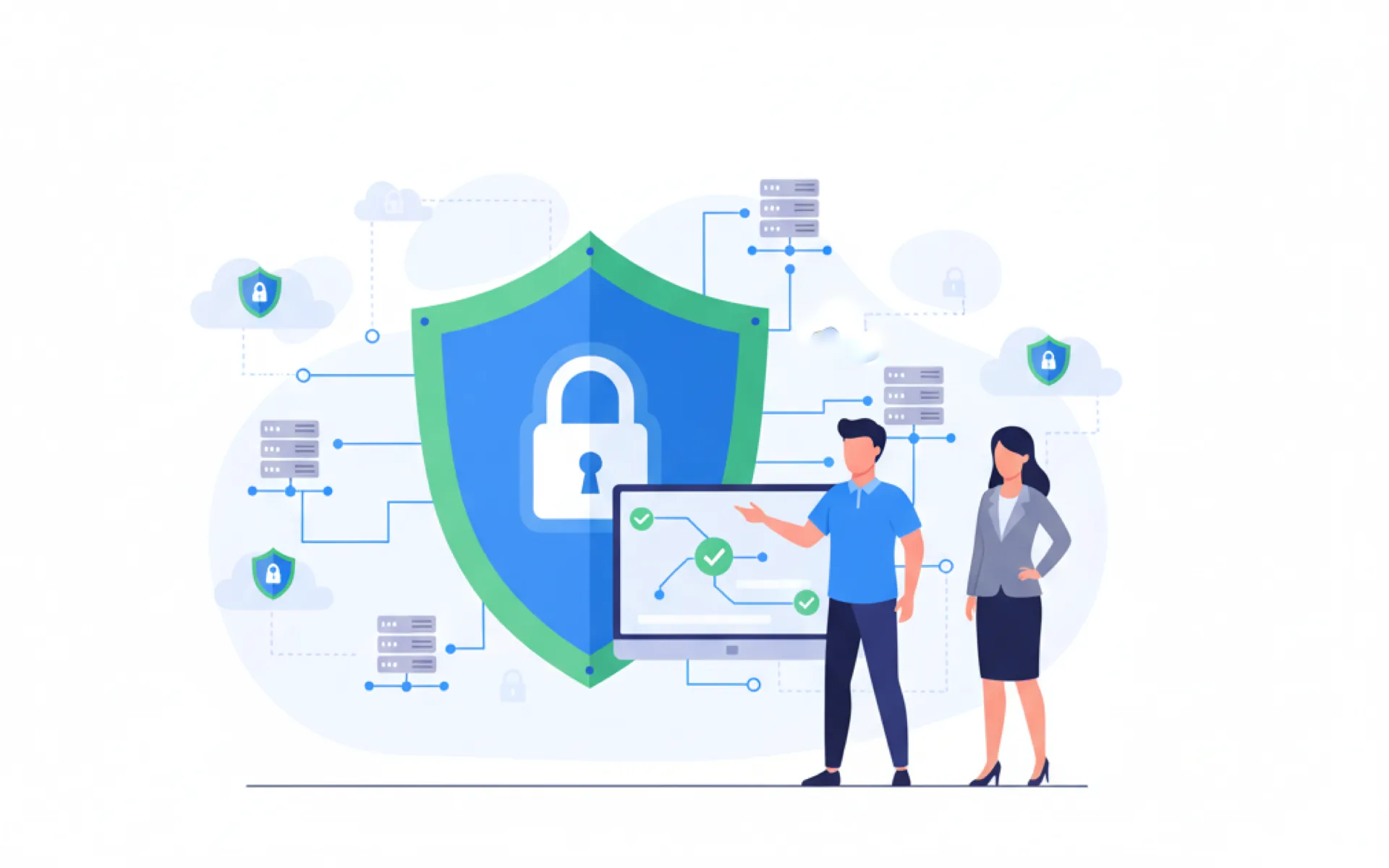
Home networks and personal devices can be weak points. Enforce device encryption, two-factor authentication, and up-to-date antivirus. A clear policy for remote work (strong Wi‑Fi, no public Wi‑Fi for sensitive tasks) reduces risk.
3. Remote IT support
IT support should be able to help staff without visiting in person. Remote desktop tools and chat/phone support let technicians troubleshoot issues, install software, and resolve problems regardless of location.
4. Collaboration and communication tools
Teams need to stay in touch. Video calls (Teams, Zoom, Google Meet), instant messaging, and shared documents keep everyone aligned. Ensure tools are set up correctly and staff know how to use them.
Quick summary
Remote work support requires secure access, device and network security, remote IT help, and effective collaboration tools. A managed IT provider can design and maintain this setup for your business.
Need Professional Help?
Need IT support for your remote workforce? 365wiz offers comprehensive remote IT support services to keep your team productive and secure, no matter where they work. Get expert assistance today.